The Ultimate Business Process Automation Software Guide: Streamlining for 2026 and Beyond
In the rapidly evolving corporate landscape of 2026, efficiency is no longer a competitive advantage—it is a prerequisite for survival. As business owners and decision-makers, you are likely facing a dual challenge: the need to scale operations rapidly while managing a workforce that demands more meaningful, creative work. This is where Business Process Automation (BPA) software steps in. By delegating repetitive, rule-based tasks to intelligent software, organizations can unlock unprecedented levels of productivity.
This comprehensive guide is designed to navigate the complex world of automation tools. Whether you are a small business owner looking to automate your invoicing or a department head in a multinational corporation aiming to harmonize cross-functional workflows, understanding the nuances of BPA is essential. In the following sections, we will explore the core functionalities, strategic benefits, and selection criteria for the next generation of automation tools, ensuring your business remains agile and resilient in an increasingly automated world.
What is Business Process Automation (BPA)?
At its core, Business Process Automation (BPA) is the use of technology to execute recurring tasks or processes in a business where manual intervention can be replaced. It is often confused with Robotic Process Automation (RPA) or Business Process Management (BPM), but it is important to distinguish them. While RPA focuses on mimicking human actions at the UI level (like clicking buttons), BPA is a holistic approach aimed at making the entire workflow more efficient through integration and orchestration.
BPA software acts as the “connective tissue” of an organization. It links various software applications—your CRM, ERP, accounting software, and communication tools—into a seamless, automated pipeline. For example, instead of an employee manually downloading a lead’s information from a web form and typing it into a spreadsheet, a BPA tool can automatically capture that data, create a profile in the CRM, and send a notification to the sales team in real-time.
By 2026, the definition of BPA has expanded to include “Hyper-automation,” where artificial intelligence (AI) and machine learning (ML) are integrated into the workflow. This allows the software not just to follow “if-then” logic, but to make informed decisions based on historical data patterns.
Key Benefits of Implementing BPA Software
The transition from manual to automated processes offers transformative benefits that go far beyond simple time-saving. For business professionals, these advantages directly impact the bottom line and organizational culture.
#
1. Significant Cost Reduction
Manual processes are expensive. They involve human labor costs, but more importantly, they carry the hidden costs of human error. A misplaced decimal point or a forgotten follow-up email can result in thousands of dollars in lost revenue. BPA software operates with 100% consistency, drastically reducing waste and operational overhead.
#
2. Enhanced Accuracy and Compliance
In industries like finance, healthcare, and law, compliance is non-negotiable. BPA tools provide an immutable audit trail. Every action taken by the software is logged, showing exactly what happened, when it happened, and who authorized it. This level of transparency makes regulatory audits much simpler and ensures that every process adheres to internal and external standards.
#
3. Improved Employee Morale
One of the biggest misconceptions about automation is that it is designed to replace people. In reality, it replaces *drudgery*. When employees are freed from data entry and administrative “busy work,” they can focus on high-value tasks that require emotional intelligence, strategy, and creativity. This leads to higher job satisfaction and lower turnover rates.
#
4. Scalability Without Proportional Hiring
In a manual environment, doubling your output usually requires doubling your headcount. With BPA, you can scale your operations exponentially with only marginal increases in software costs. This allows businesses to handle seasonal spikes or rapid growth phases without the lag time associated with hiring and training new staff.
Essential Features to Look for in BPA Tools
As you evaluate different software options, you will find a saturated market. To choose the right tool for 2026, you must look for features that ensure longevity and ease of use.
#
No-Code and Low-Code Interfaces
The era of needing a computer science degree to build an automated workflow is over. The best BPA tools today offer drag-and-drop interfaces. This “democratization of automation” allows department heads and subject matter experts—those who actually understand the business process—to build the automations themselves without waiting for the IT department.
#
Robust Integration Capabilities (API-First Design)
Your automation software is only as good as its ability to talk to your other tools. Look for a platform that offers a wide library of pre-built integrations for popular apps (like Salesforce, Microsoft 365, or Slack) and a robust API for custom connections. In 2026, “Agentic” capabilities—where the software can interact with other AI agents—are also becoming a standard requirement.
#
Advanced Analytics and Reporting
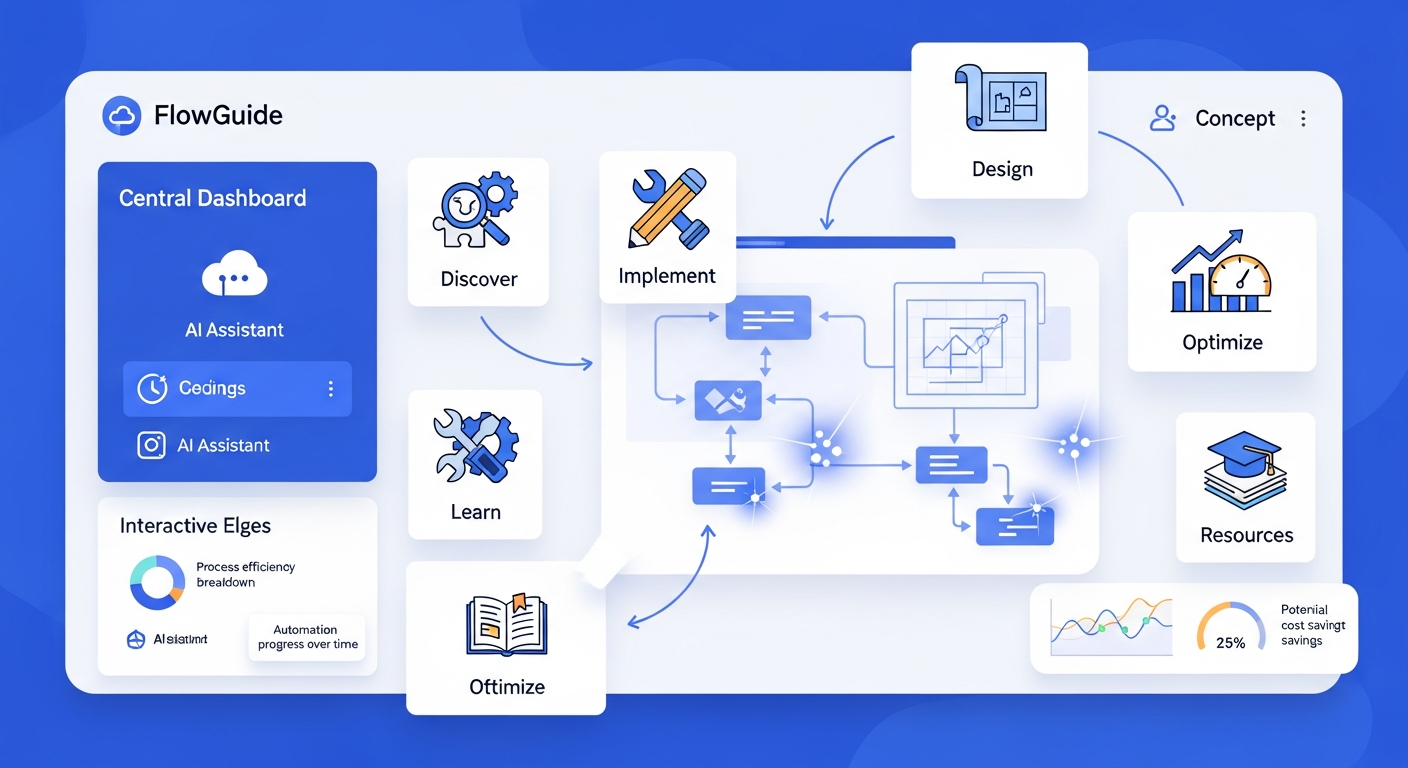
You cannot manage what you cannot measure. A high-quality BPA tool should provide a dashboard that tracks the performance of your automations. It should show you how much time is being saved, where bottlenecks are occurring, and the success rate of various workflows.
#
AI and Machine Learning Integration
Modern BPA tools should include native AI features. This includes Intelligent Document Processing (IDP) to read and categorize PDFs, sentiment analysis for customer support tickets, and predictive triggers that start a workflow based on forecasted data trends.
Types of Business Process Automation Solutions
Not all BPA tools are created equal. Depending on your business needs, you might require a niche solution or an all-encompassing platform.
#
1. General Workflow Automation (iPaaS)
Platforms like Zapier or Make represent the Integration Platform as a Service (iPaaS) category. These are excellent for connecting disparate apps. They are usually the best entry point for small to medium businesses because of their flexibility and lower price points.
#
2. Robotic Process Automation (RPA)
RPA tools like UiPath or Blue Prism are designed for legacy environments. If your business uses old software that doesn’t have an API, RPA “robots” can be programmed to navigate the screens just like a human would. This is vital for digital transformation in older industries like banking or manufacturing.
#
3. Business Process Management (BPM) Suites
For large-scale enterprise needs, BPM suites provide a comprehensive environment to design, model, and optimize complex, multi-layered processes. These are used for high-stakes operations where every step of a process needs to be mapped and governed according to strict organizational hierarchies.
#
4. AI-Native Automation Agents
The newest category in 2026 involves autonomous AI agents. Unlike traditional BPA, which follows a set path, these agents are given a goal (e.g., “Onboard this new client”) and they determine the best sequence of steps to achieve it based on the context.
How to Choose the Right BPA Software for Your Organization
Choosing software is a strategic decision that requires a structured approach. Follow these steps to ensure you invest in a tool that provides a high Return on Investment (ROI).
#
Step 1: Identify and Map Your Bottlenecks
Before looking at software, look at your business. Where do things slow down? Which tasks do your employees complain about most? Map out these processes step-by-step on a whiteboard or a digital mapping tool. If a process is broken or inefficient, automating it will only make it fail faster. Fix the process first, then automate it.
#
Step 2: Define Your Technical Requirements
Do you need the software to reside on your own servers for security (on-premise), or do you prefer the flexibility of the cloud (SaaS)? Do you have an in-house developer team, or do you need a strictly no-code solution? Documenting these requirements early will help you filter out 80% of the market.
#
Step 3: Evaluate Total Cost of Ownership (TCO)
The sticker price of BPA software is rarely the full cost. Consider the cost of implementation, the cost of training your staff, and the cost of ongoing maintenance. Some tools charge per user, while others charge per “task” or “operation.” Ensure the pricing model aligns with your expected volume of work.
#
Step 4: Run a Proof of Concept (PoC)
Never commit to a long-term contract without a trial. Choose one small, non-critical process and attempt to automate it using the tool’s trial version. This will give you a realistic view of the user interface, the quality of their customer support, and the actual ease of integration.
The Future of BPA: AI and Hyper-automation in 2026
As we look toward the remainder of 2026, the line between “software” and “intelligence” is blurring. The most significant trend is the shift from reactive to proactive automation.
In the past, automation was triggered by an event (e.g., a customer buys a product, then an invoice is sent). In 2026, BPA systems are becoming predictive. A BPA tool might analyze supply chain disruptions in real-time and automatically begin the process of sourcing materials from an alternative vendor before your inventory even runs low.
Furthermore, the rise of Natural Language Processing (NLP) means that business owners can now “talk” to their automation tools. Instead of building a flow manually, you can simply type: “Every time a client spends more than $5,000, send them a personalized thank-you note and alert the account manager.” The software interprets the intent and builds the logic for you. This shift significantly lowers the barrier to entry, making sophisticated automation accessible to even the smallest businesses.
Frequently Asked Questions (FAQ)
#
1. What is the difference between RPA and BPA?
RPA (Robotic Process Automation) is focused on automating specific, repetitive tasks at the user-interface level, essentially mimicking human clicks. BPA (Business Process Automation) is a broader strategy that automates end-to-end workflows and integrates multiple systems to improve overall organizational efficiency.
#
2. Is BPA software only for large enterprises?
Absolutely not. By 2026, there are many “lightweight” BPA tools designed specifically for small businesses. These tools are often more affordable and easier to implement than enterprise-grade suites, allowing small teams to compete with much larger organizations.
#
3. How long does it take to see a Return on Investment (ROI)?
While it depends on the complexity of the process, many businesses see ROI within 3 to 6 months. Initial savings usually come from reduced labor hours, while long-term ROI is found in increased throughput and the elimination of costly errors.
#
4. Do I need a developer to set up business process automation?
Not necessarily. Most modern BPA tools are “no-code” or “low-code,” meaning they feature visual interfaces designed for non-technical users. However, for highly complex integrations involving legacy hardware or specialized security protocols, some technical assistance may be required.
#
5. How secure is BPA software?
Top-tier BPA providers prioritize security, offering features like end-to-end encryption, multi-factor authentication (MFA), and compliance with standards like GDPR, SOC2, and HIPAA. Always verify a vendor’s security certifications during the selection process.
Conclusion
The journey toward full business process automation is not a sprint; it is a strategic evolution. As we navigate 2026, the ability to integrate AI-driven automation into your daily operations is what will separate market leaders from those who struggle to keep up.
By identifying your most significant bottlenecks, choosing a tool with the right balance of power and usability, and fostering a culture that embraces technological change, you can transform your business into a high-efficiency engine. The goal of BPA software is ultimately to give you back the most valuable resource of all: time. Time to innovate, time to engage with your customers, and time to focus on the vision that led you to start your business in the first place. Now is the time to audit your processes and take the first step toward an automated future.