
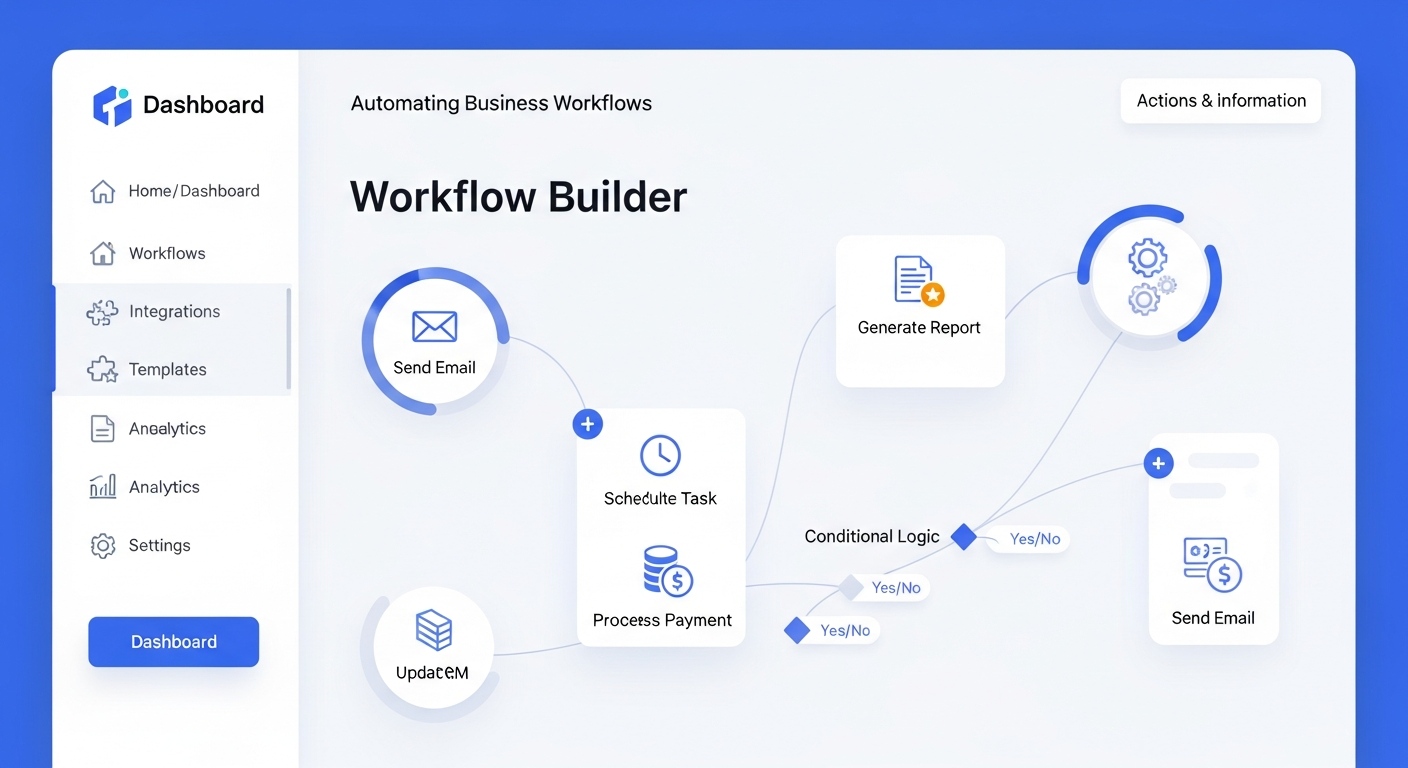
The Ultimate Guide: How to Automate Business Workflows for Maximum Efficiency
In the competitive landscape of 2026, the mantra for business growth has shifted from “work harder” to “work smarter through integration.” For business owners and professionals, the ability to automate business workflows is no longer a luxury reserved for tech giants—it is a fundamental requirement for survival. Manual data entry, repetitive email chains, and fragmented communication are the “invisible taxes” that drain your company’s resources and stifle innovation.
Automation allows your team to offload high-volume, low-value tasks to intelligent software, freeing up human capital for creative problem-solving and strategic planning. Whether you are a small startup looking to scale or an established enterprise seeking to trim operational fat, understanding the mechanics of workflow automation is the key to unlocking hidden margins. This guide will walk you through the strategic framework of modern automation, the tools that are defining the 2026 landscape, and how to implement a system that grows with your business.
—
1. Understanding the Core of Business Workflow Automation
Before diving into software selection, it is crucial to understand what business workflow automation actually entails. At its heart, it is the use of technology to execute a series of tasks or processes that were previously handled manually. These processes typically follow a “trigger-action” logic: when Event A happens, System B automatically performs Task C.
In 2026, we have moved beyond simple “If-This-Then-That” (IFTTT) logic into the era of **Hyper-automation**. This involves the orchestrated use of multiple technologies—such as Artificial Intelligence (AI), Machine Learning (ML), and Robotic Process Automation (RPA)—to automate complex, end-to-end business processes.
The benefits are measurable and immediate:
* **Error Reduction:** Humans are prone to typos; software is not. Automation ensures data integrity across your CRM, accounting, and project management tools.
* **Scalability:** Automated systems can handle a 500% increase in volume without a corresponding increase in headcount.
* **Employee Satisfaction:** By removing “drudge work,” you allow your staff to engage in the meaningful work they were hired to do, reducing turnover and burnout.
2. A Step-by-Step Framework to Automate Your First Workflow
Success in automation is 20% tool selection and 80% process design. Many businesses fail because they try to automate a broken process. If you automate a mess, you simply get a faster mess. Follow this structured approach to ensure a high Return on Investment (ROI).
#
Step 1: Audit and Identify Bottlenecks
Start by mapping out your current operations. Look for tasks that are repetitive, time-sensitive, and involve multiple people. Common indicators of a “ready-to-automate” process include “I spent all morning moving data from one spreadsheet to another” or “We missed this lead because the email was buried.”
#
Step 2: Map the “As-Is” vs. “To-Be” Process
Document every micro-step in the process. Who initiates it? What data is required? Where does that data go? Once you have the manual “As-Is” map, design the “To-Be” automated version. This visualization helps identify where software can bridge the gap.
#
Step 3: Choose Your Integration Level
Decide if you need a native integration (where two apps like Slack and Asana talk to each other directly) or a third-party integrator (like Zapier or Make) to act as the middleman. In 2026, most top-tier SaaS tools offer robust APIs that make these connections seamless.
#
Step 4: Build, Test, and Iterate
Start small. Automate one specific branch of a workflow—for example, the initial “Thank You” email after a form submission. Test it rigorously to ensure no edge cases break the logic. Once validated, expand the automation to include lead scoring and CRM entry.
3. Essential Categories of Automation Tools for 2026
The software market is saturated, but most tools fall into four critical categories. Choosing the right “stack” depends on your industry and specific needs.
#
No-Code Integrators (The Glue)
Tools like **Zapier**, **Make (formerly Integromat)**, and **Workato** remain the backbone of business automation. They allow non-technical professionals to connect disparate apps without writing a single line of code. By 2026, these platforms have integrated deep AI capabilities that can “predict” the next step in your workflow and suggest optimizations.
#
Project and Task Management
Platforms such as **Monday.com**, **Asana**, and **ClickUp** have evolved into central operating systems. They don’t just track tasks; they automate them. For instance, when a status changes to “Review,” the system can automatically notify the legal team, generate a contract via DocuSign, and set a follow-up reminder.
#
CRM and Revenue Operations
**HubSpot** and **Salesforce** lead this category. Automation here focuses on the customer journey—triggering personalized marketing sequences based on user behavior, automatically assigning leads to the right sales rep, and forecasting revenue based on real-time data pipeline movement.
#
AI-Native Automation
New for 2026 are tools designed around **Agentic AI**. Unlike traditional software that follows a rigid path, these agents can make “decisions.” An AI agent can read a complex customer inquiry, check inventory in your ERP, look up the customer’s lifetime value, and autonomously draft a custom discount offer for approval.
4. Key Areas to Automate for Immediate ROI
If you are wondering where to begin, focus on these high-impact departments:
#
Sales and Marketing
* **Lead Nurturing:** Automatically send a series of educational emails based on which whitepaper a prospect downloaded.
* **Social Media Management:** Schedule posts across multiple platforms and use AI to sentiment-analyze comments, flagging urgent customer service issues.
#
Human Resources
* **Onboarding:** Once a candidate signs an offer, automation can trigger the creation of their email account, send their equipment order to IT, and enroll them in the mandatory training modules.
* **Time-Off Requests:** Eliminate the back-and-forth by letting an automated bot check the team calendar and approve leave based on predefined rules.
#
Finance and Accounting
* **Invoicing:** Automatically generate and send invoices the moment a project is marked “Complete.”
* **Expense Management:** Use OCR (Optical Character Recognition) to scan receipts and automatically categorize them in your accounting software, flagging any that violate company policy.
5. The Rise of Agentic AI and Autonomous Workflows in 2026
As we move through 2026, the biggest trend in workflow automation is the shift from “deterministic” to “probabilistic” automation. Traditional automation was deterministic: *If X happens, do Y.*
Modern autonomous workflows are powered by Large Language Models (LLMs) that understand context. We are seeing the rise of **Autonomous Work Agents**. Instead of you setting up 50 “Zaps” to handle a customer return, you give an AI agent a goal: “Handle all return requests under $100 according to our policy.” The agent then navigates your various software tools, communicates with the customer, and updates the ledger independently.
This “natural language automation” is democratizing tech for business owners. You no longer need to be a “logic builder”; you simply need to be a clear communicator of business rules. This shift is significantly lowering the barrier to entry for complex automation, allowing even solo-practitioners to operate with the efficiency of a mid-sized firm.
6. Avoiding Pitfalls: The Human Side of Automation
The biggest mistake professionals make is viewing automation as a “set it and forget it” solution. To maintain a competitive edge, you must account for the following:
* **Over-Automation:** Do not automate processes that require a high degree of empathy or nuanced judgment. High-ticket sales and sensitive HR issues still require the “human touch.”
* **Data Silos:** Ensure your automated tools are talking to a “Single Source of Truth.” If your marketing automation uses one database and your sales team uses another, you will create conflicting customer experiences.
* **Shadow IT:** Be wary of team members setting up their own “rogue” automations using personal accounts. This creates massive security risks and data leaks. Centralize your automation strategy to ensure compliance and security.
* **Maintenance:** APIs change and software updates. Schedule a quarterly “Workflow Audit” to ensure all your connections are still firing correctly and that the logic still aligns with your current business goals.
—
FAQ: Frequently Asked Questions
#
Q1: Is workflow automation too expensive for a small business?
Absolutely not. In fact, small businesses have the most to gain. Most major automation platforms (like Zapier or HubSpot) offer “freemium” tiers or low-cost starter plans. When you calculate the hourly cost of a human performing manual data entry versus a $25/month software subscription, the ROI is usually achieved within the first few days.
#
Q2: Do I need to know how to code to automate my business?
No. We are firmly in the “No-Code” era. If you can use a spreadsheet or navigate a modern CRM, you can build automated workflows. Most tools use visual drag-and-drop interfaces. However, having a basic understanding of logic (e.g., “And/Or” statements) is very helpful.
#
Q3: Will automating workflows replace my employees?
History shows that automation rarely replaces entire jobs; instead, it replaces *tasks*. By automating the repetitive parts of a role, you enable your employees to focus on higher-level work. In 2026, the most successful companies are those that use automation to augment their human talent, not replace it.
#
Q4: How long does it take to see results from automation?
For simple workflows (like lead capture), you can see results in hours. For complex, company-wide hyper-automation, it may take 3-6 months to fully integrate systems and train AI models. However, the time-savings usually start compounding the moment the first “trigger” goes live.
#
Q5: Is my business data safe when using third-party automation tools?
Security is a valid concern. When choosing tools in 2026, look for SOC2 Type II compliance, AES-256 encryption, and GDPR/CCPA readiness. Most leading automation platforms invest more in security than an individual small business ever could. Always use Multi-Factor Authentication (MFA) for your administrative accounts.
—
Conclusion: Designing the Future of Your Business
The journey to automate business workflows is not a one-time project; it is a continuous evolution of how you deliver value. As we navigate the complexities of 2026, the businesses that thrive will be those that view their operations as a seamless, automated engine rather than a collection of manual chores.
Start small by identifying one bottleneck that frustrates your team. Automate it, measure the hours saved, and use that momentum to tackle the next challenge. By systematically removing friction from your internal processes, you create a more agile, profitable, and human-centric organization. The tools are ready, the technology has matured, and the opportunity is yours. It’s time to stop managing workflows and start mastering them.