
The Future of Efficiency: Workflow Automation for Small Businesses in 2026
In the modern competitive landscape, small business owners are often caught in a relentless cycle of “busy work.” Between managing customer inquiries, processing invoices, and updating social media, the actual “work” of growing a business frequently takes a backseat. As we move into 2026, the gap between businesses that struggle with manual tasks and those that leverage technology is widening into a chasm. Workflow automation is no longer a luxury reserved for Silicon Valley giants; it has become the primary survival mechanism for lean teams. By automating repetitive, rule-based tasks, small businesses can reclaim hundreds of hours each year, allowing founders to focus on strategy, creativity, and human connection. This guide explores the state of workflow automation in 2026, helping you navigate the software landscape and implement systems that drive measurable growth without increasing your headcount.
Why Small Businesses Can No Longer Ignore Automation
For years, small business owners viewed automation as a “nice-to-have” or something to implement “once we get bigger.” However, the economic climate of 2026 has flipped this logic on its head. Automation is now the tool that *allows* you to get bigger. The primary driver is the rising cost of human capital and the increasing expectation for instant gratification from consumers.
When a potential lead fills out a contact form on your website, they don’t want to wait 24 hours for a response. In 2026, they expect an immediate acknowledgment, a calendar link to book a consultation, or an AI-driven answer to their preliminary questions. If your process is manual, you’ve likely lost that customer to a competitor before you’ve even finished your morning coffee.
Furthermore, automation eliminates the “human error factor.” Data entry mistakes, forgotten follow-ups, and lost invoices are more than just nuisances; they are silent profit killers. By standardizing your workflows through software, you ensure that every task is performed with 100% consistency, 24/7. This scalability is what allows a three-person team to handle the output of a ten-person department, effectively leveling the playing field against larger corporations.
Key Areas Where Automation Delivers the Highest Impact
To get the best return on investment (ROI), small businesses should focus their automation efforts on high-volume, low-complexity tasks. In 2026, four key departments stand out as the most ripe for transformation:
#
1. Sales and Marketing
Lead nurturing is perhaps the most profitable area to automate. Instead of manually sending “just checking in” emails, you can build sophisticated sequences that trigger based on user behavior. If a prospect downloads a whitepaper, the system automatically tags them in your CRM, sends a follow-up email three days later, and alerts a sales rep only when the lead reaches a specific “engagement score.”
#
2. Customer Support
The rise of “Agentic AI” in 2026 has revolutionized small business support. Modern chatbots are no longer frustrating loops of “I don’t understand.” They can now access your knowledge base, check order statuses, process returns, and escalate complex issues to a human agent with a full summary of the interaction.
#
3. Finance and Operations
Invoicing and expense tracking are the bane of many entrepreneurs’ existence. Automation tools can now “read” receipts via OCR (Optical Character Recognition), categorize expenses, and sync them with your accounting software. Furthermore, automated payment reminders ensure that your cash flow remains healthy without you having to play the role of a debt collector.
#
4. Human Resources and Onboarding
Even for businesses with only a few employees, onboarding is a document-heavy process. Automation can handle the signing of NDAs, the creation of company email accounts, and the scheduling of training sessions, ensuring a professional experience for every new hire from day one.
The 2026 Tech Stack: How AI and Low-Code are Changing the Game
The software landscape has shifted significantly. In previous years, connecting two different apps required a complex web of “zaps” or custom API coding. By 2026, we have entered the era of “Natural Language Automation.”
The most popular tools today allow business owners to describe a workflow in plain English. For example, you might type: *”When a new customer signs a contract in DocuSign, create a project folder in Google Drive, add them to our ‘Active Clients’ Slack channel, and send an introductory email.”* The software then builds the logic for you.
Low-code and no-code platforms have also become more robust. They are no longer just “glue” between apps; they are full-scale operating systems for businesses. We are seeing a move away from fragmented tools toward “all-in-one” ecosystems that use AI agents to move data seamlessly between modules. These agents don’t just follow instructions; they make minor decisions. If an automated invoice fails because of a missing tax ID, the AI agent can now proactively email the client to request the missing info rather than just throwing an error code for you to fix later.
How to Choose the Right Automation Software for Your Needs
With thousands of tools on the market, “shiny object syndrome” is a real risk. To choose the right stack for 2026, evaluate software based on these four criteria:
* **Integration Density:** Does the tool play well with others? Your CRM, email, and accounting software must communicate. Look for tools with “native integrations,” as these are more stable than third-party workarounds.
* **Ease of Use vs. Power:** Some tools, like Zapier or Make, offer immense power but come with a learning curve. Others are built into your existing CRM (like HubSpot or Salesforce). Assess whether you have the time to build custom flows or if you need “out-of-the-box” functionality.
* **Scalability and Pricing:** Many tools offer a low entry price that skyrockets as your task volume increases. Look for “predictable pricing” models that won’t penalize you for growing.
* **Security and Compliance:** In 2026, data privacy is non-negotiable. Ensure any tool you use is compliant with the latest regulations (like GDPR or CCPA) and offers end-to-end encryption for sensitive customer data.
Before purchasing, always take advantage of free trials. Run a “pilot” of one specific workflow—such as your newsletter signup flow—to see how the software handles real-world data before migrating your entire operation.
A Step-by-Step Guide to Implementing Your First Automated Workflow
Successful automation requires a strategic approach. If you automate a broken process, you simply create more mess, faster. Follow this four-step framework:
#
Step 1: Audit and Map
Identify the “time-vampires” in your day. For one week, log every task that feels repetitive. Once identified, map out the process on paper or a digital whiteboard. What is the trigger? What are the actions? Where are the decision points?
#
Step 2: Simplify and Optimize
Before involving software, look for ways to simplify the process. Can you remove a redundant step? Can you standardize a template? Automation is most effective when applied to a lean, efficient manual process.
#
Step 3: Select Your Tool and Build
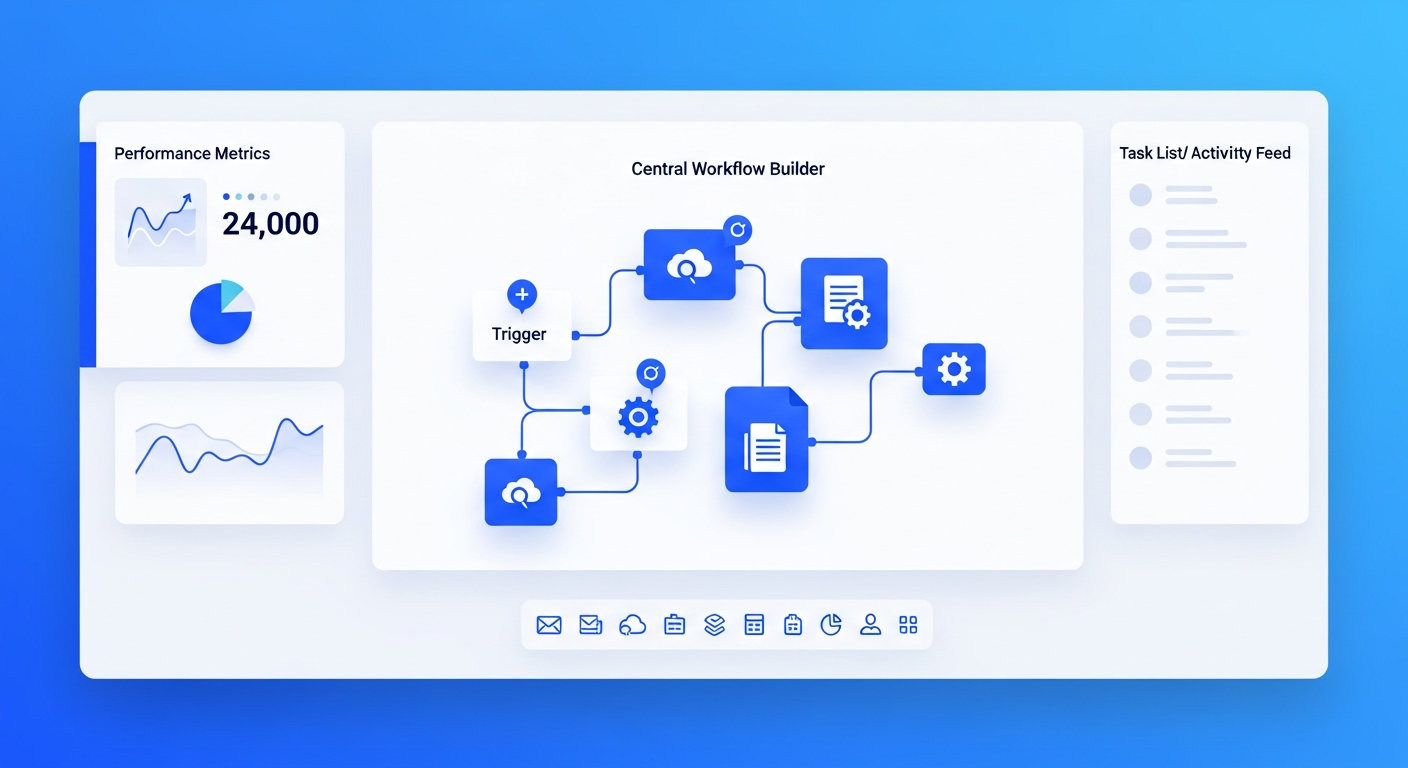
Choose the tool that fits your map. Start with a “Trigger” (e.g., A new lead is added to a spreadsheet). Then add “Actions” (e.g., Send an email, create a task in your project management tool). In 2026, don’t be afraid to use AI steps to summarize data or draft personalized content within the flow.
#
Step 4: Test, Monitor, and Iterate
Never “set it and forget it” immediately. Run several test cases to ensure the data is landing in the right places. Once live, check the logs weekly to ensure there are no bottlenecks. As you get comfortable, look for ways to add “branches” to your workflow (e.g., if the lead is from a specific industry, send a different case study).
Overcoming Common Barriers to Automation Adoption
Despite the benefits, many small business owners hesitate. The most common barrier is the “fear of losing the human touch.” There is a misconception that automation makes a business feel robotic. In reality, the opposite is true. By automating the data entry and the “boring” logistics, your team has *more* time to engage in meaningful, high-value conversations with clients.
Another barrier is “Technical Debt.” Business owners fear that if they build a complex automated system, it will break, and they won’t know how to fix it. This is why the shift toward low-code and natural language tools in 2026 is so vital. You no longer need to be a programmer to understand your own systems.
Finally, there is the perceived cost. While software subscriptions add up, you must weigh them against the cost of manual labor. If a \$50/month tool saves an employee 10 hours of work, and that employee is paid \$30/hour, the tool has paid for itself six times over in a single month. In 2026, the question isn’t “Can I afford to automate?” but rather “Can I afford to remain manual?”
FAQ: Workflow Automation for Small Businesses
#
1. Do I need to know how to code to use workflow automation?
Absolutely not. By 2026, most leading automation platforms utilize “No-Code” interfaces or AI assistants. If you can describe your process in a logical sequence, you can build an automated workflow. Drag-and-drop editors and natural language prompts have made these tools accessible to everyone.
#
2. Is automation only for digital businesses?
No. Physical businesses like HVAC companies, dental practices, and retail stores benefit immensely. For example, a local plumber can automate appointment reminders via SMS, follow-up requests for Google reviews, and inventory alerts when parts run low.
#
3. How much should a small business spend on automation?
For most small businesses, a robust automation stack can cost between \$100 and \$500 per month. This typically covers a CRM, an integration tool (like Zapier or Make), and an AI-enhanced communication tool. Compared to the cost of a part-time administrative assistant, the ROI is usually immediate.
#
4. Will automation replace my employees?
The goal of automation in 2026 is “augmentation,” not “replacement.” It removes the soul-crushing repetitive tasks that lead to employee burnout. This allows your staff to focus on high-level work that requires empathy, critical thinking, and strategy—things AI still cannot replicate effectively.
#
5. What is the best process to automate first?
Start with your “Lead Response” or “Invoicing” workflow. These are often the most time-sensitive and directly impact your bottom line. Automating your lead response ensures you never miss an opportunity, while automated invoicing ensures you get paid faster.
Conclusion
As we navigate the complexities of 2026, workflow automation has transitioned from a competitive advantage to a fundamental business requirement. For the small business owner, it offers a path out of the “owner’s trap,” where the growth of the company is limited by the founder’s personal bandwidth. By thoughtfully selecting tools that integrate seamlessly and focusing on high-impact areas like sales and finance, you can build a resilient, scalable, and highly profitable enterprise. The technology is more accessible and intelligent than ever before—the only remaining step is to begin. Start small, automate one core process this month, and watch as your business begins to work for you, rather than the other way around.